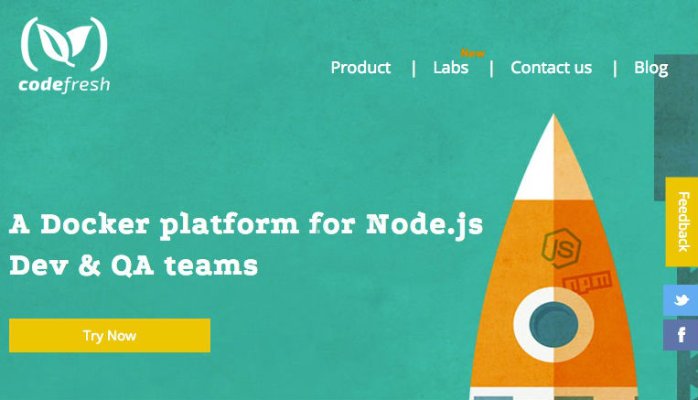
In case you were wondering why I haven't written a word in the past two months, the answer is CodeFresh. We've been working day and night with our private beta customers to make CodeFresh the fastest and easiest way for you to hack on your code.
What is CodeFresh?
It's super simple. It's super fast. It's easiest to explain with a quick walkthrough:
Once you've authorized the application you'll get a list of your repositories.
If you're part of an organization on Github, you can switch to the organizational context in the upper right corner:
I want to hack on the math-race project so I click "Launch":
A div will pop up showing me the progress as CodeFresh clones the repo and automatically builds a Docker container with my app inside it. At the end of the process I get two green buttons – ‘Open in IDE' and ‘Launch app'.
Let's start with ‘Launch app':
The browser opens up a new tab with my app which is already running but there is actually a problem (yes, I knew there was going to be a problem). When I fill in the name field, the game is supposed to start.
Let's go back and open up the IDE. This will put me into a custom version of the Orion web based IDE, including a shell window running in the Docker container:
Specifically, I know that this app needs the host and port that the app is running on to be hard coded into the config.js file, so I'll open that up in the IDE and give it the host and port from the tab the app launched in. Don't forget to save the file.
Then click the stop and start buttons at the top of the IDE to re-launch the app.
Then I switch back to the other browser tab and hit refresh and everything is working:
I could just as easily have edited the files in vi from the terminal:
And once I'm done with my changes, I can commit them and push them back to git:
For the best experience download our chrome extension here: https://chrome.google.com/webstore/detail/codefresh-for-github-beta/
Browse to a Github repo and click the Launch button.
You can also launch an environment for a specific branch straight from Github:
Or from a pull request:
Obviously you can do all this from the CodeFresh interface as well but with the extension you can actually run any SHA from any public repository on Github with a click.
As you can imagine, CodeFresh makes it incredibly easy to take a new repo and see if it suits your needs, or to test code in a new pull request before merging.
While you don't need to know anything about Docker to use CodeFresh, we are Docker based so if you have a Dockerfile in your repo, we can use it to build your environment.
Anyway- that was a quick tour of the app but there are tons more features in there and we'll be adding more and more features constantly so take a look and let us know what you think.
If you have any issues, the team will be happy to help- just click on the "chat" icon at the bottom right of the site: